
About Snaptikapp – Best TikTok Video Downloader
About Us Snaptik is a convenient online tool that helps users download TikTok videos quickly and easily through their web browser. The platform provides a simple way to save TikTok videos without watermark in only a few straightforward steps.
In this article, we’ll take a closer look at how the website works, how users can download videos, and what makes this TikTok video downloader a practical choice for everyday use.
Overview of Snaptikapp
In this overview, let’s take a closer look at an easy-to-use TikTok video downloader designed for users who want a quick way to save online videos. Snaptikapp is a free web-based tool that allows users to download TikTok videos instantly without needing to install additional software.
One of the main benefits of the platform is its accessibility. You do not need a dedicated application or complicated setup to get started. Simply open a compatible browser, access the website, and enter the TikTok video link you want to process. The tool can be accessed from smartphones, tablets, laptops, and desktop computers.
Another useful feature is the option to download TikTok videos without watermark. This allows users to save a cleaner version of the selected video without the visible TikTok logo overlay.
The straightforward interface also makes the service suitable for users with different levels of technical experience. Even if you have never used an online video downloader before, the basic process is easy to understand and follow.
Overall, Snaptikapp provides a simple and convenient solution for people who want to save TikTok videos directly to their devices. Because the service works online, users can access the downloader whenever they have a supported browser and an active internet connection.
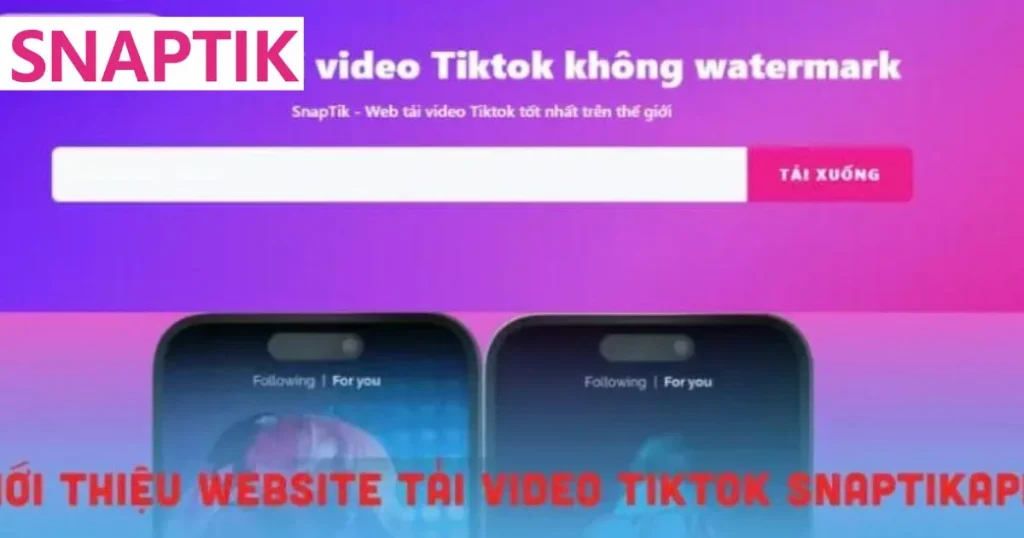
How Does the TikTok Video Downloader Work?
In this section, we explain how the tool operates and how users can download a TikTok video without going through a complicated process. The system is designed around a simple link-based method that can be completed in just a few steps.
- First, open TikTok and browse through the available content until you find the video you want to save. Once you have selected the video, use TikTok’s “Copy Link” option to copy its URL.
- Next, open the Snaptikapp website in your browser and paste the copied TikTok link into the input field provided on the homepage.
- After submitting the link, the system processes the video information and prepares the available download option. Once the result appears, simply select the download button to save the video to your device.
The entire process takes place online, so there is no requirement to download or install a separate application. This makes the tool convenient for users who switch between different devices, including smartphones, tablets, laptops, and desktop computers.
The platform is also designed with a simple workflow so users can move from copying a TikTok link to downloading the corresponding video without unnecessary steps. Depending on the video and network conditions, processing and download times may vary.
For more information about how your information is handled, please review our Privacy Policy. If you have questions or need assistance, you can visit our Contact Us page.
Premium Features You Should Know
After this introduction, you might wonder what makes this tool useful for TikTok users. The platform focuses on keeping the downloading process simple while providing several practical features for people who want to save TikTok videos to their devices.
1. Download TikTok Videos Without Watermark
One of the main reasons users look for a TikTok video downloader is the ability to save videos without the standard TikTok watermark. With Snaptikapp, users can download supported TikTok videos without the visible logo overlay.
A watermark-free version can be useful when saving videos for personal reference, offline viewing, or organizing content on your device. It can also provide a cleaner appearance when reviewing or managing downloaded media.
For content creators, researchers, marketers, and regular TikTok viewers, having a straightforward way to save videos can make content management more convenient. However, users should always respect copyright, creator rights, and the applicable terms when downloading or reusing content.
2. Works on Multiple Devices and Platforms
Another important advantage is cross-device compatibility. You can use the tool on a variety of commonly used devices, including:
- Android smartphones
- iPhone / iPad
- Windows computers
- Laptops and tablets
As long as your device has a compatible web browser and an active internet connection, you can access the downloader without installing a dedicated application.
This browser-based approach also means you do not have to use additional device storage for another app. Users can simply open the website whenever they need to process a TikTok video link.
3. Fast Speed and Simple Process
Another reason users may choose this type of downloader is the combination of a straightforward interface and a short downloading process. Instead of navigating through multiple complicated menus, the basic workflow can be completed in only a few steps:
- Copy the TikTok video link
- Paste it into the downloader
- Click the download button
After the link has been processed, the available download option can be selected to save the video. Actual processing speed can depend on factors such as your internet connection, device performance, and the TikTok video being processed.
By keeping the workflow simple, Snaptikapp makes it easier for users to save TikTok videos without unnecessary technical steps.
Conclusion
From this overview, Snaptikapp is a practical and user-friendly tool for downloading TikTok videos through a web browser. Its simple workflow, watermark-free download option, compatibility with multiple devices, and browser-based access make it a convenient solution for users who want to save TikTok videos بسهولة quickly.
The process is straightforward: copy the TikTok video link, paste it into the downloader, process the link, and select the available download option. Because there is no dedicated application required, users can access the service from different devices whenever they have an internet connection.
Before using the service, you can also review our Terms of Use to better understand the applicable terms, user responsibilities, and conditions associated with using the website.